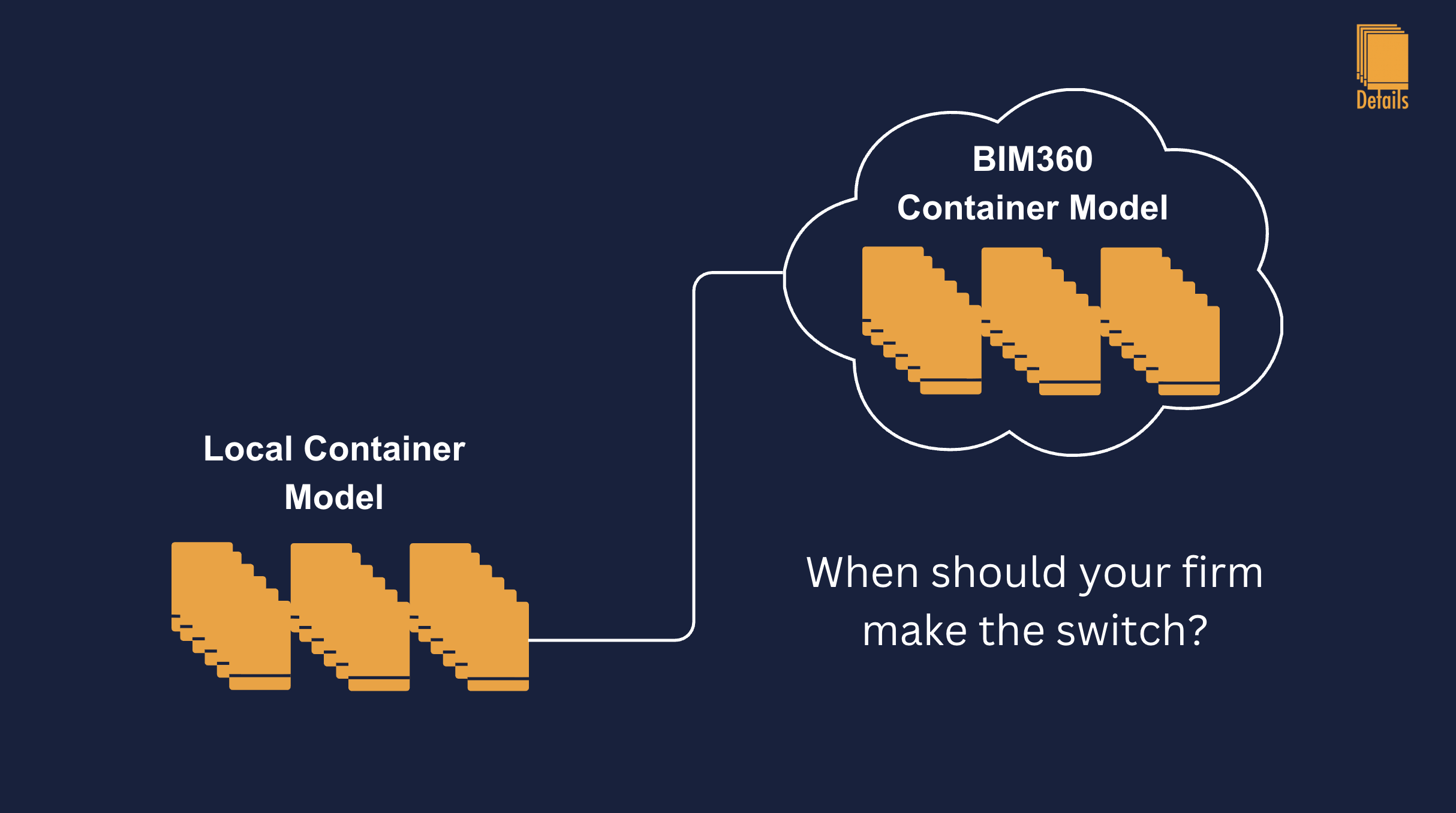
When Should Your Firm Move Its Revit Container Model to BIM 360?
Most MEP and multidiscipline firms eventually build a Revit detail container model—a single RVT that holds firm-standard drafting views and nothing else. For years, the default home for that file has been obvious: a folder on the office server, a mapped drive, or a senior BIM manager’s machine that everyone is supposed to copy from. It is simple, familiar, and it works when your team sits in one office and your projects still live on local paths.
Then the firm grows. You hire remote engineers. Your projects move to BIM 360, Autodesk Construction Cloud (ACC), or Forma. Suddenly the container is the one file that is not in the same world as everything else your team opens every day. That is usually when someone asks the right question: should our detail container still live on the local drive, or should it move to our BIM 360 hub?
The answer is not “cloud is always better.” The answer is timing. Move too early and you add publish friction, permission headaches, and Revit version politics before your library is even organized. Stay on a local drive too long and you train engineers to work around the container instead of with it. This guide is meant to help BIM managers and principals decide when the move is worth it—and when patience is still the smarter call.
What “moving the container” actually means
A Revit container model is not a typical project file. It has no building geometry tied to a job site. It is a living standards file: hundreds or thousands of drafting views that get edited, renamed, and re-sorted as your firm learns. “Moving it to BIM 360” does not mean emailing an RVT or parking a copy in SharePoint. It means hosting the authoritative container as a cloud-workshared model in your ACC hub so the right people can open it through Revit’s cloud path, sync changes, and publish updates the way they already do on production jobs.
That is a different workflow than a network share. On a drive, one person often “owns” saves. In the cloud, ownership is shared, publish state matters, and your BIM team needs clear rules about who may sync to central and when. If those rules do not exist yet locally, they will not magically appear in BIM 360.
When keeping the container on a local drive is still the right call
Stay local (or on a firm network share) if most of these are true:
Your production work is still file-based. If the majority of active projects are opened from P:\ or a VPN-mounted drive—not from ACC—engineers already have friction opening cloud models. Putting the container in the cloud first forces a split brain: project models in one place, the library in another.
The library is not stable yet. If you are still debating naming conventions, discipline parameters, or which details belong in the container at all, fix that on a drive where iteration is cheap. Cloud worksharing adds ceremony; you want ceremony after standards, not during arguments about line weights.
Only one or two people maintain the container. A local master file with a known curator (“ask Sarah before you add a detail”) can work well at 15–25 people. Cloud hosting pays off when multiple disciplines need concurrent access and auditability.
IT has not standardized ACC access. BIM 360 only helps if every engineer has the same hub, the same permissions, and the same Revit year aligned to the container version. If half the office still desktop-connectors files from email links, the container will be the file nobody can find.
You are mid-upgrade across Revit years. Container models are one-way on upgrade. If your firm is straddling 2024 and 2025 with no calendar for upgrading the library, parking the container in the cloud while versions are messy multiplies support tickets.
None of this means “never go cloud.” It means don’t treat BIM 360 as a filing upgrade before you treat the container as a product.
Clear signals it is time to move the container to your BIM 360 hub
Consider moving when several of these show up at once:
Your active projects are already cloud-hosted. When engineers live in ACC every day, a network-path container is an extra hop. They open the job from the hub, then hunt a drive letter for the library. That small gap is enough for people to redraw instead of search.
You have multiple offices or hybrid staff. A server in Denver does not feel “local” to an engineer in Austin. Cloud hubs are built for that asymmetry; mapped drives are not.
More than one person edits the container weekly. BIM managers, discipline leads, and senior designers all adding details means you need real worksharing, not “whoever has the file open wins.”
Your firm is investing in ACC / Forma as the system of record. Principals want one place for models, sheets, and issues. The detail library is firm IP; if everything else of value is in the hub, the container looks orphaned on a share.
You are standardizing on cloud publish discipline anyway. Teams that already understand publish vs. sync on jobs will absorb container publish rules faster than teams that have never managed C4R.
Remote collaboration on the library itself is failing. If you hear “I can’t get the latest container” or “someone left it checked out on the server,” that is a migration trigger—not a reason to avoid the cloud.
The middle path: local container, cloud projects (and when it breaks)
Many firms run hybrid setups for years: ACC for jobs, container on the server. That can work if one BIM person batches container updates and announces them. It breaks when:
Engineers on cloud projects cannot resolve the container path reliably (VPN drops, drive letters differ by user).
The container Revit year lags project models.
“Latest container” is communicated in Teams instead of enforced by workflow.
Hybrid is a phase, not a destination, for firms that have already chosen ACC for delivery.
How to plan the move without losing a week of production
Treat migration like a small internal project, not a drag-and-drop.
1. Freeze standards first. Lock naming, discipline/sub-discipline parameters, and text types before the move. The cloud will not fix a messy browser tree.
2. Pick one Revit version as container authority. The container should match the year your firm standardizes for new work. Document who upgrades the file each spring.
3. Assign roles. Name a container owner (BIM manager), deputies per discipline, and who may publish. Ambiguous ownership is the top failure mode in cloud libraries.
4. Pilot with read-mostly users. Move a copy to a test hub folder; have two engineers in cloud projects link it through your normal Revit workflow before you cut over the master.
5. Communicate one cutover date. “As of Monday, the P:\ path is retired; open Container v2025 from ACC / Standards / MEP Details.” Dual paths kill adoption.
6. Plan for publish, not just upload. Uploading an RVT to Docs is not the same as a workshared cloud model engineers open through Revit. Your BIM lead should verify cloud-worksharing GUIDs and that users see the model in the right hub project.
7. Keep past projects where they belong. Moving the container does not require moving every old job model. Past projects can stay on the server or in archived ACC folders; the container is forward-looking standards.
What changes day-to-day after the move
Engineers should notice:
One fewer drive letter to remember when placing firm details.
Clearer “latest version” if publish discipline is enforced.
Easier onboarding for new hires who already have ACC access.
BIM managers should notice:
More visibility into who synced and when (if your processes use that data).
Stronger justification for container curation time (it is now hub infrastructure, not a side folder).
You may also notice short-term slowdown: first cloud open, publish before big updates, occasional “get latest” reminders. That is normal. The payoff is access parity with how projects are already hosted.
Common mistakes to avoid
Moving a bloated container. If the file has years of abandoned views, archive or purge before migration. Cloud sync cost is paid on every detail you keep.
Skipping permissions design. “Everyone in the firm is admin” works on a drive until it does not. Hub roles should mirror who may edit standards vs. who may only consume.
Letting every engineer add details on day one. Start with curated write access; open contributions after naming rules survive contact with reality.
Forgetting Revit year alignment. A 2024 container opened from 2025 projects is a support ticket factory.
Assuming Desktop Connector is the same as cloud worksharing. Mirrored folders can be useful, but they are not a substitute for a deliberate cloud-workshared container strategy.
How this connects to your detail workflow (and Details)
Whether the container lives on a server or in BIM 360, engineers still need low-friction access from inside active projects. That is the gap most firms feel before they fix hosting: the library exists, but opening it is slow enough that people redraw.
Tools like Details are built for that last mile—linking the container and past projects in the Link Manager, syncing thumbnails and metadata to a firm library (not full RVT uploads), and letting engineers search and place details without leaving the model they are working in. The plugin supports both paths: a container linked from a local or network path, or a container connected through BIM 360 and Forma in the same window where you link past jobs from the drive or the cloud.
Moving the container to ACC does not replace that workflow; it aligns where the authoritative RVT lives with where your projects already live. Details aligns how engineers actually pull from it.
A simple decision checklist
Stay on the local drive if: projects are mostly local, the library is still in flux, one curator owns edits, or ACC access is inconsistent.
Plan a move to BIM 360 if: projects are hub-first, multiple editors maintain standards, offices are distributed, or engineers already bypass the container because the path is wrong for how they work today.
You are probably overdue if: leadership has mandated ACC for new work but the container is still only on P:\, and nobody can answer “where is the latest library?” in one sentence.
Bottom line
The best time to move your Revit container model to BIM 360 is not when Autodesk sends a marketing email. It is when your firm’s delivery model has already moved, cloud projects, multiple maintainers, distributed staff, and the local drive is the last place your standards still live. Do the standards work first, assign ownership, migrate once, and retire the old path. Your container should be as easy to open as the jobs your engineers already sync every morning.
If you are building or reorganizing a container before that move, start with structure: discipline metadata, naming, and line-weight rules. If you are ready to connect that container (local or cloud) to everyday Revit work, and get a free and smart detail manager, that is what Details is for.