Context library
Builds a richer picture of each detail from its project metadata, associated discipline, annotations, family names, and synced preview image.
Recs for Autodesk Revit
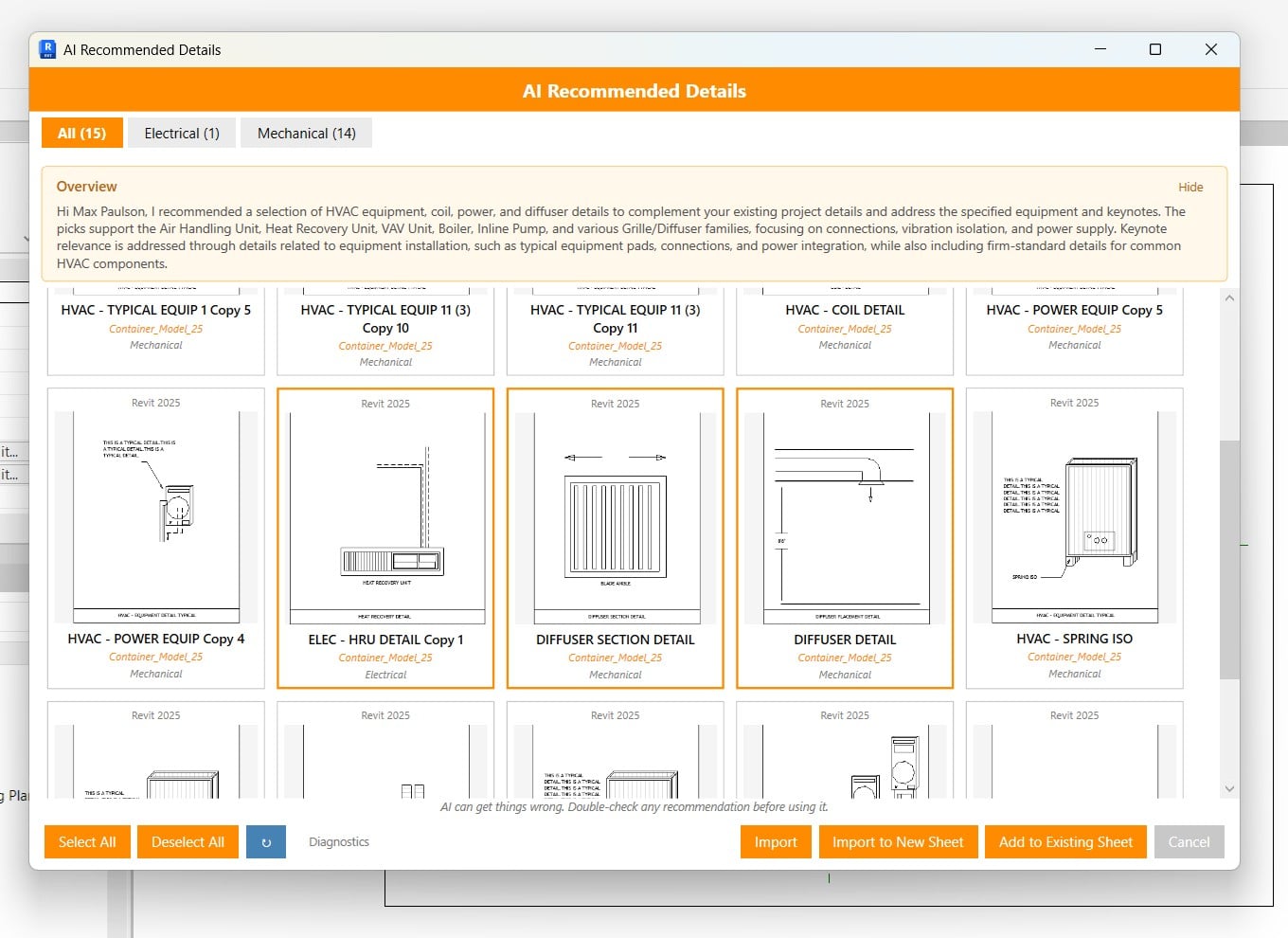
See Recs work
How Recs works
A title can describe what a detail is called. Recs also considers where it came from, what it contains, and which discipline uses it.
Builds a richer picture of each detail from its project metadata, associated discipline, annotations, family names, and synced preview image.
Reads the active project's non-sensitive metadata and discipline signals to understand the type of work currently being designed.
Compares that project context with past-project details and firm standards instead of relying on title keywords alone.
Ranks the strongest matches for the project, ready to import or place directly on a sheet.
Enterprise-grade AI
Requests are authenticated through Firebase and processed with Google Vertex AI. Full Revit models, proprietary geometry, and complete project files never leave the machine, and firm data is not used to train foundation models.
Security
AI traffic is routed through authenticated Cloud Functions and Google Cloud infrastructure rather than consumer AI services.
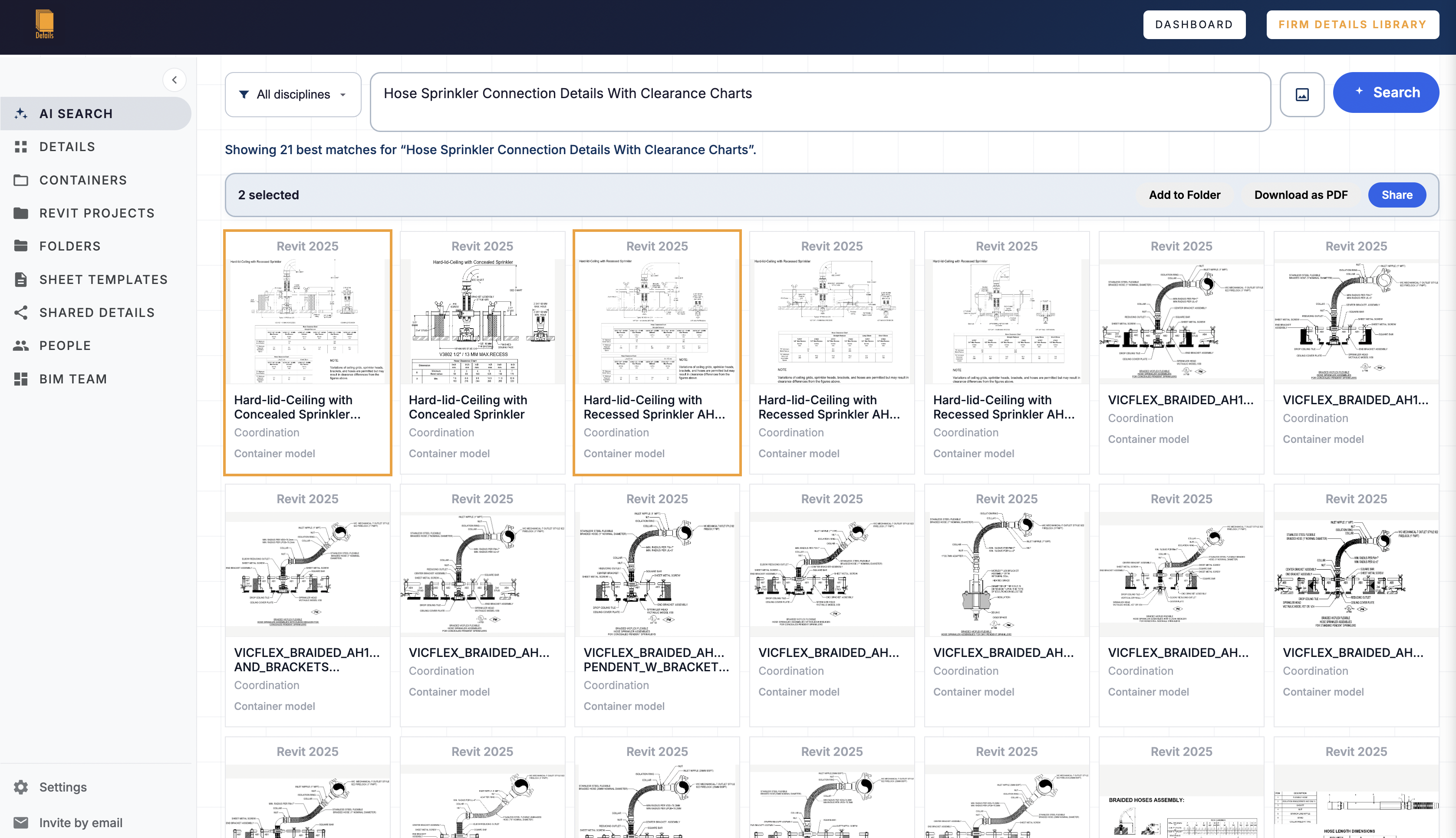
Search, recommendations, sharing, organization, and placement work together without moving details into an external authoring platform.
Start with your own library