The Details Blog

Insights for engineers, architects, and BIM teams.

Product updates, Revit workflow tips, and behind-the-scenes notes from the team building Details.

Best Free Revit Plugins for MEP Engineers (2026)

Best Free Revit Plugins for MEP Engineers (2026)

If you search for free Revit plugins for MEP engineers, you will find dozens of lists packed with generic add-ins that have nothing to do with how mechanical, electrical, and plumbing teams actually work. Most MEP firms do not need another random ribbon button. They need tools that cut the non-billable friction that shows up every day: repetitive modeling tasks, sheet and view housekeeping, and the endless hunt for details the firm already owns but nobody can find. This guide focuses on three free Revit plugins that solve those three problems specifically, and that MEP engineers can start using without…

See whole post →
How to Share Revit Details Across Your Firm: 5 Methods Compared (2026)

How to Share Revit Details Across Your Firm: 5 Methods Compared (2026)

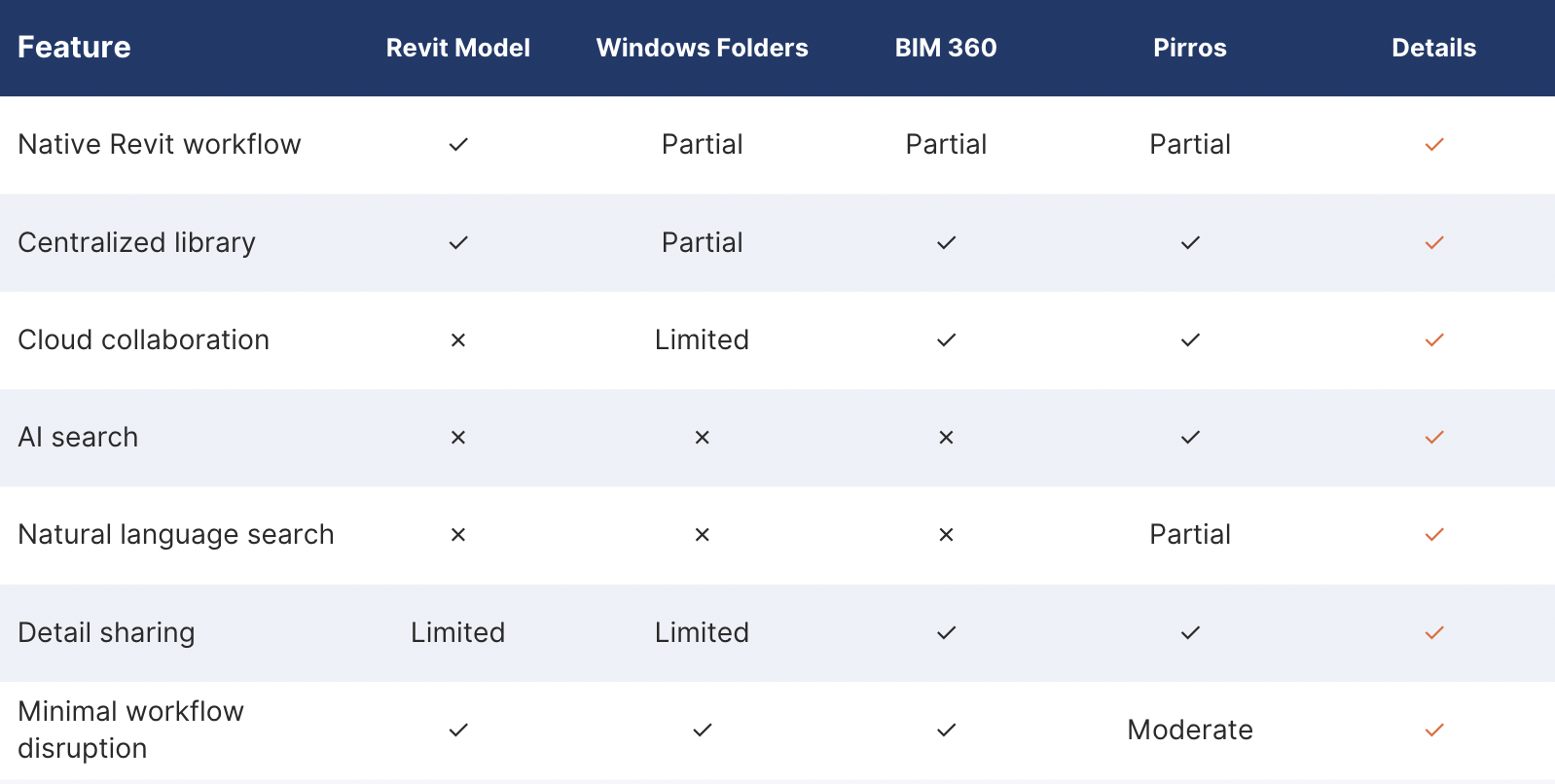
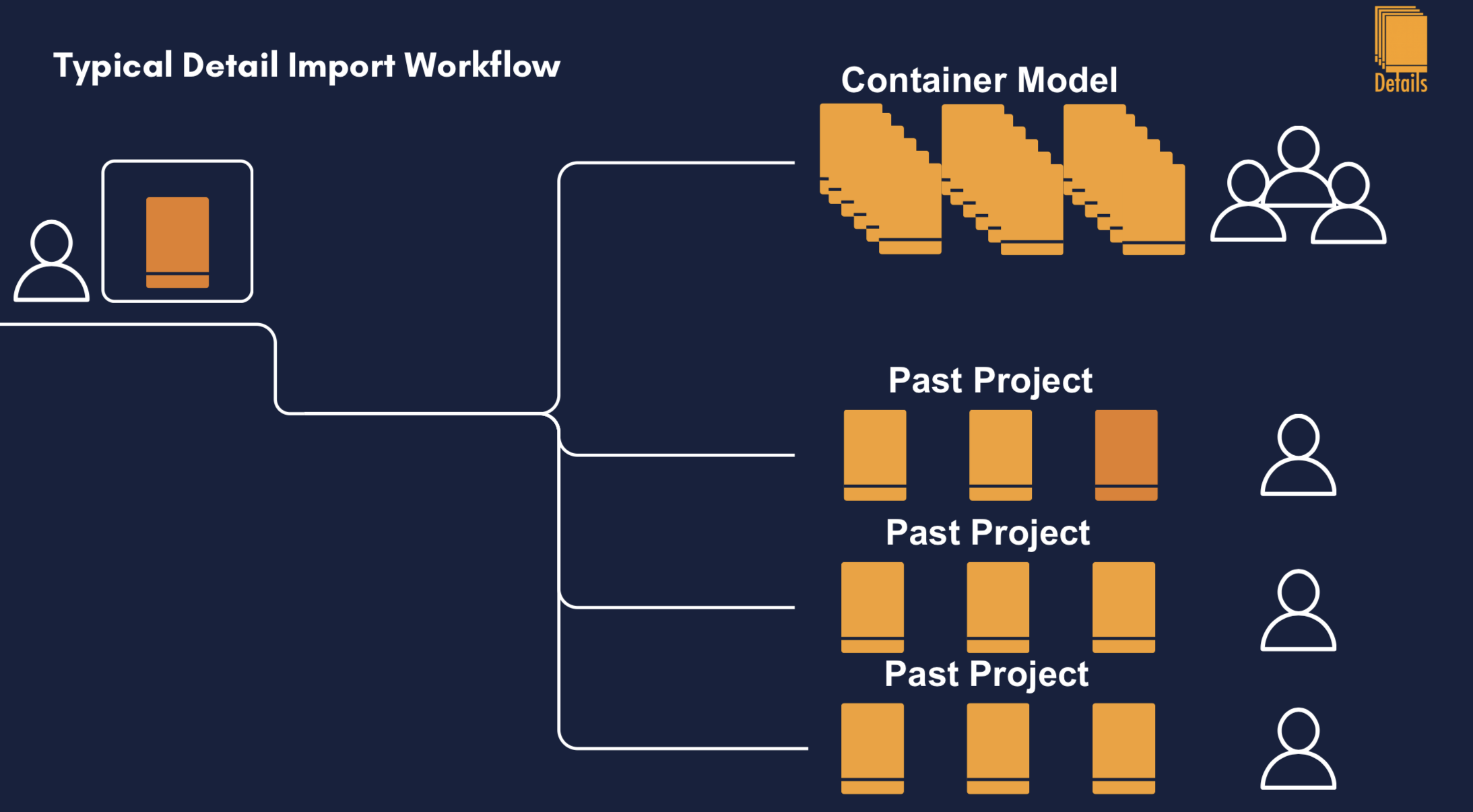
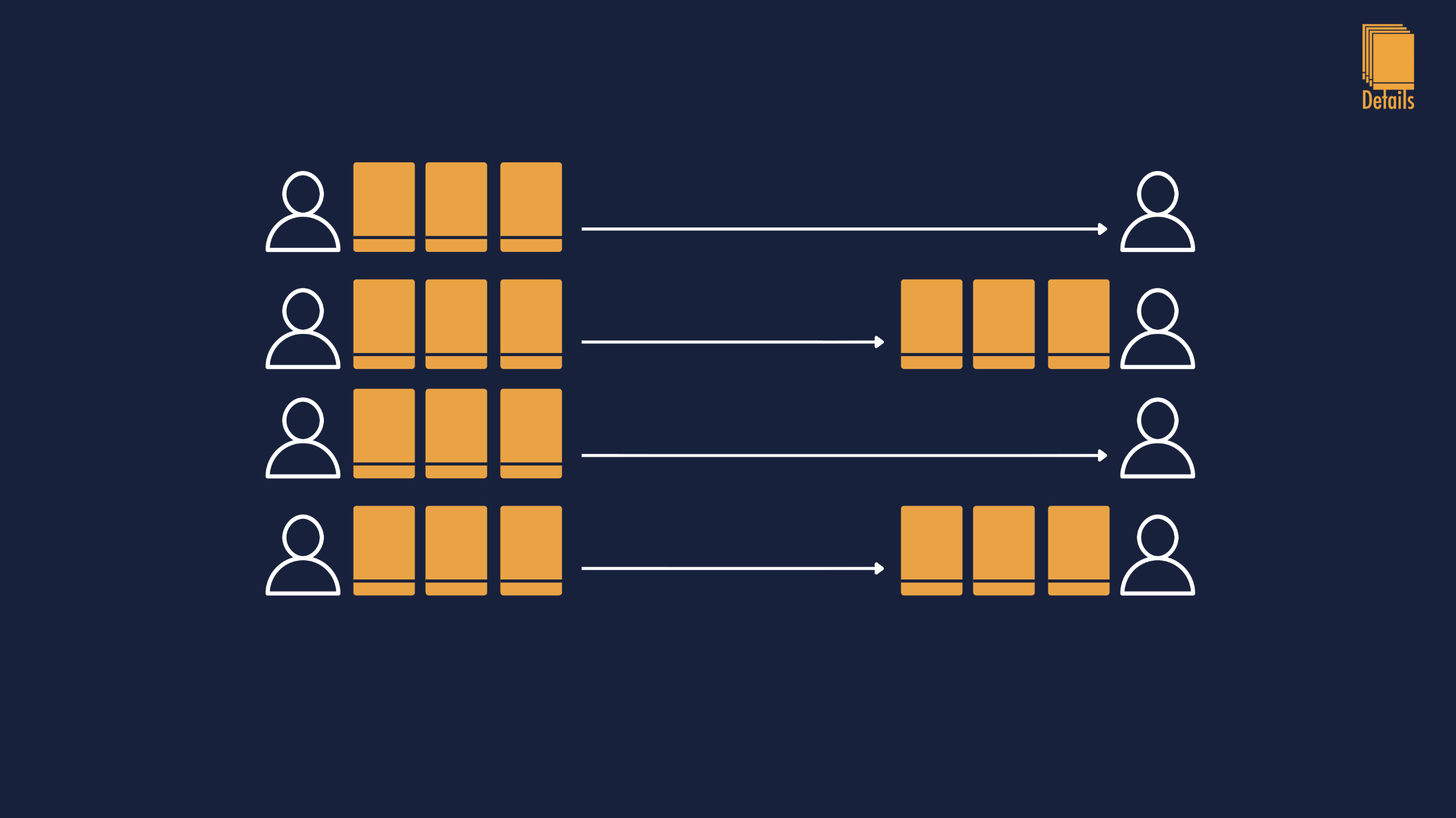
Sharing a Revit detail from one project to another sounds like it should be a five-second operation. Two engineers at the same firm, same standards, same template, surely you can just send the drafting view across. In practice the answer is "it depends," and the depends-on list is long: which version of Revit each project is on, whether the source family is loaded in the target, whether the line styles match, whether anyone has touched the detail in the last week, and which of the half-dozen workarounds the firm has informally settled on. This post walks through every method that…

See whole post →
The Two Questions MEP Firms Should Ask Before Buying Any AI Tool

The Two Questions MEP Firms Should Ask Before Buying Any AI Tool

Every MEP firm is being pitched AI right now. Plugin vendors, consultancies, productivity tools, even the firms across the street are claiming they've found the AI workflow that's going to change everything. Most of those pitches fall apart under two simple questions. If a vendor can't answer both of them clearly, the tool isn't ready, and neither is the firm that buys it. The first question is about where the data goes. AI tools work by sending some piece of your work to a model, and the model sends an answer back. The interesting question is what happens to the…

See whole post →
Enterprise-Grade AI Isn't Optional In The AEC Industry

Enterprise-Grade AI Isn't Optional In The AEC Industry

If you're an MEP engineer, your client list probably includes a hospital, a school district, a county courthouse, a federal lab, or a municipal water treatment plant. These aren't optional sectors for our industry, they're the bread and butter of consulting work. And every one of them comes with the same question buried somewhere in the contract: what AI tools are touching our project data? That question used to be theoretical. It isn't anymore. Healthcare CIOs, federal contracting officers, and city IT directors are now actively reviewing the AI services their consultants use. If your detail-recommendation tool sends data through…

See whole post →
How AI Helps Manage Large AEC Detail Libraries

How AI Helps Manage Large AEC Detail Libraries

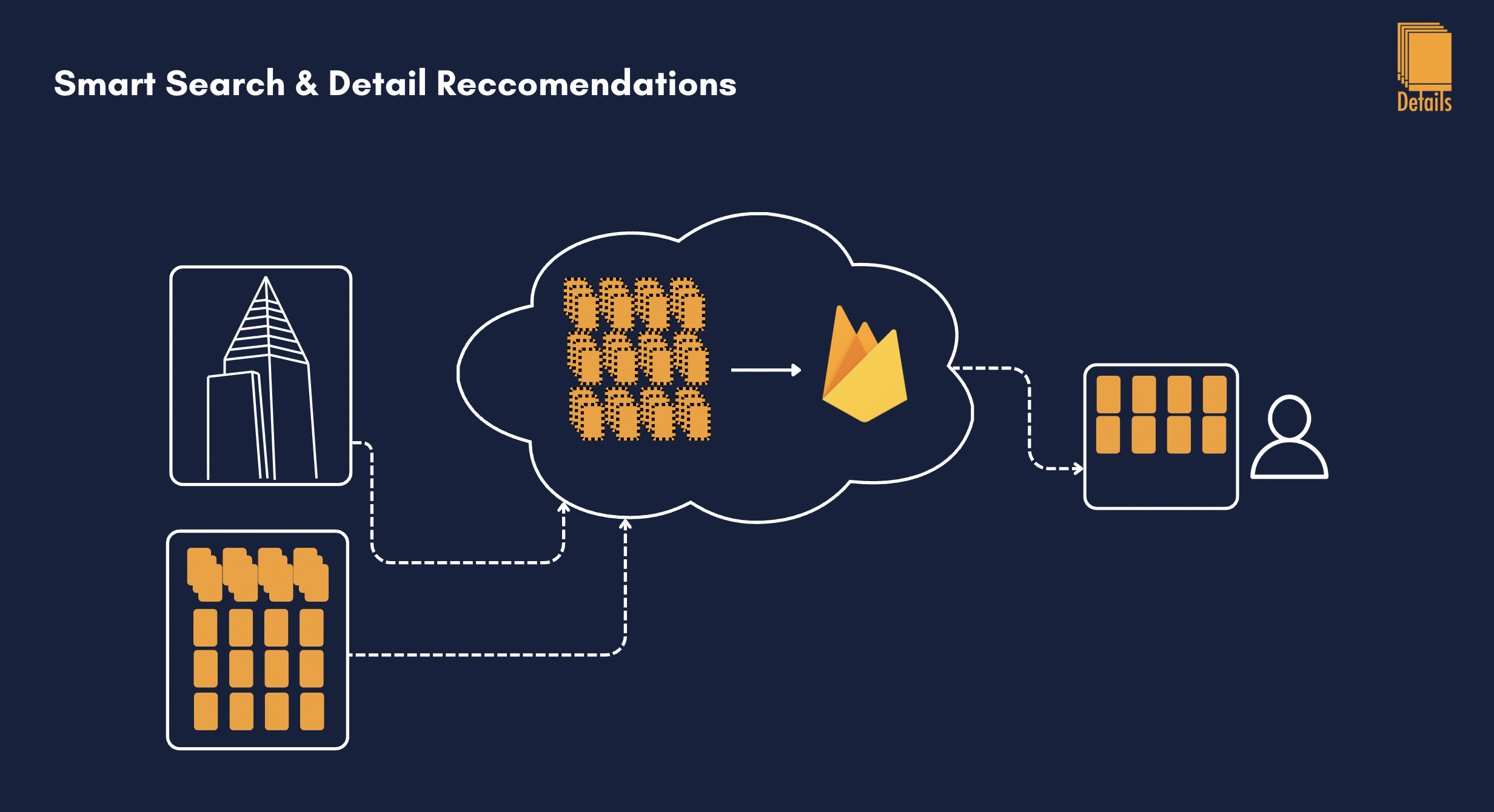
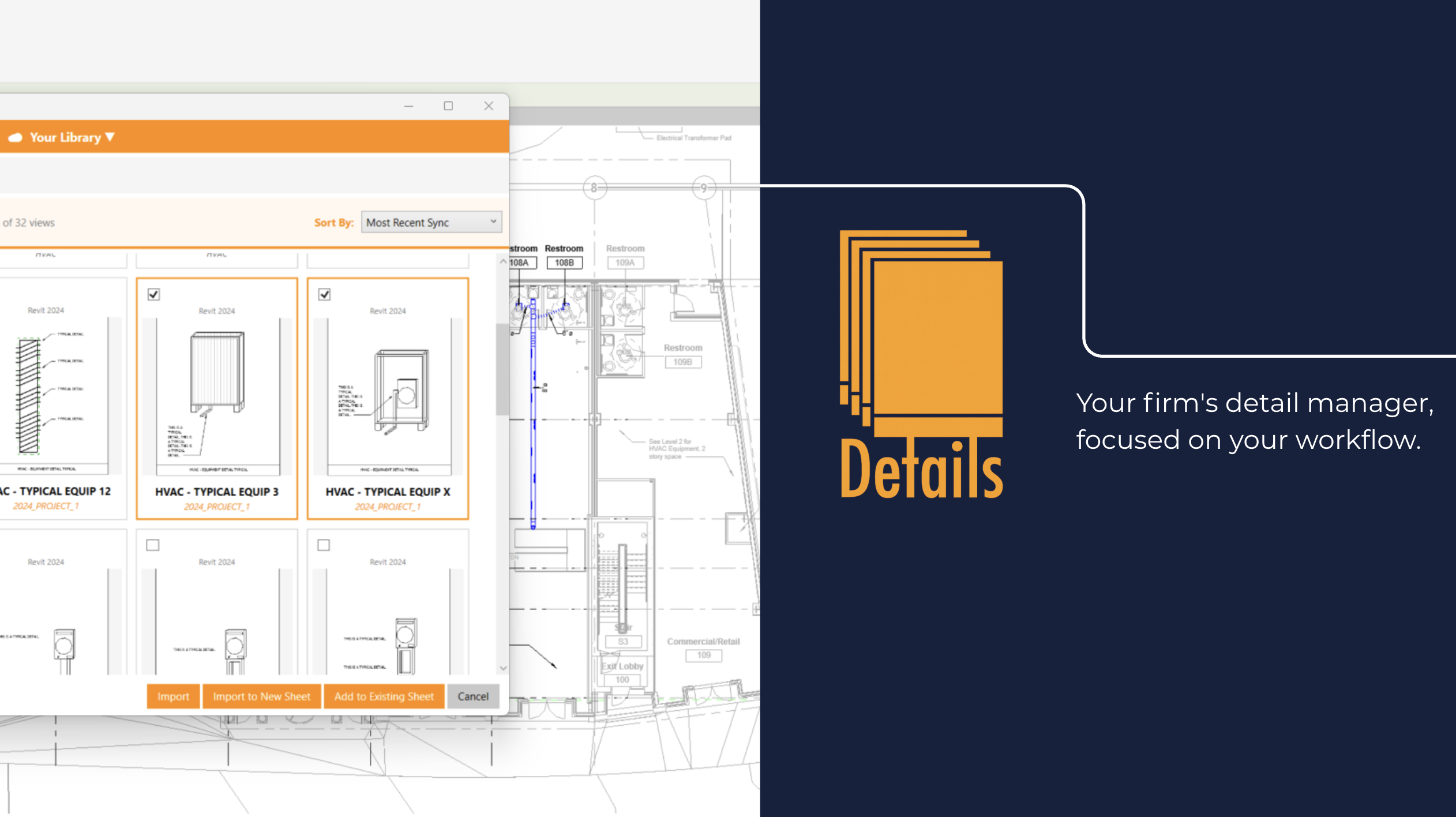
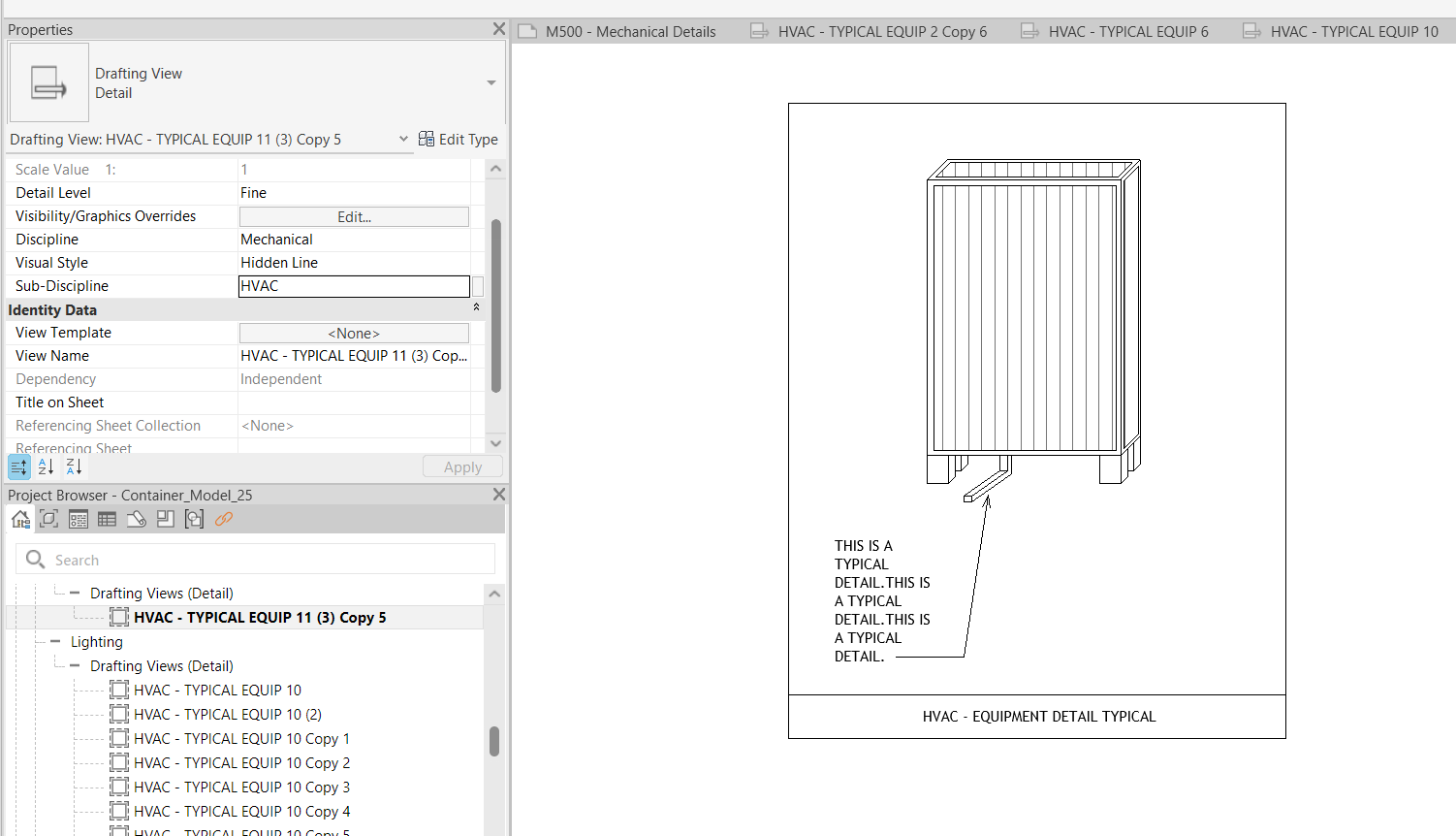
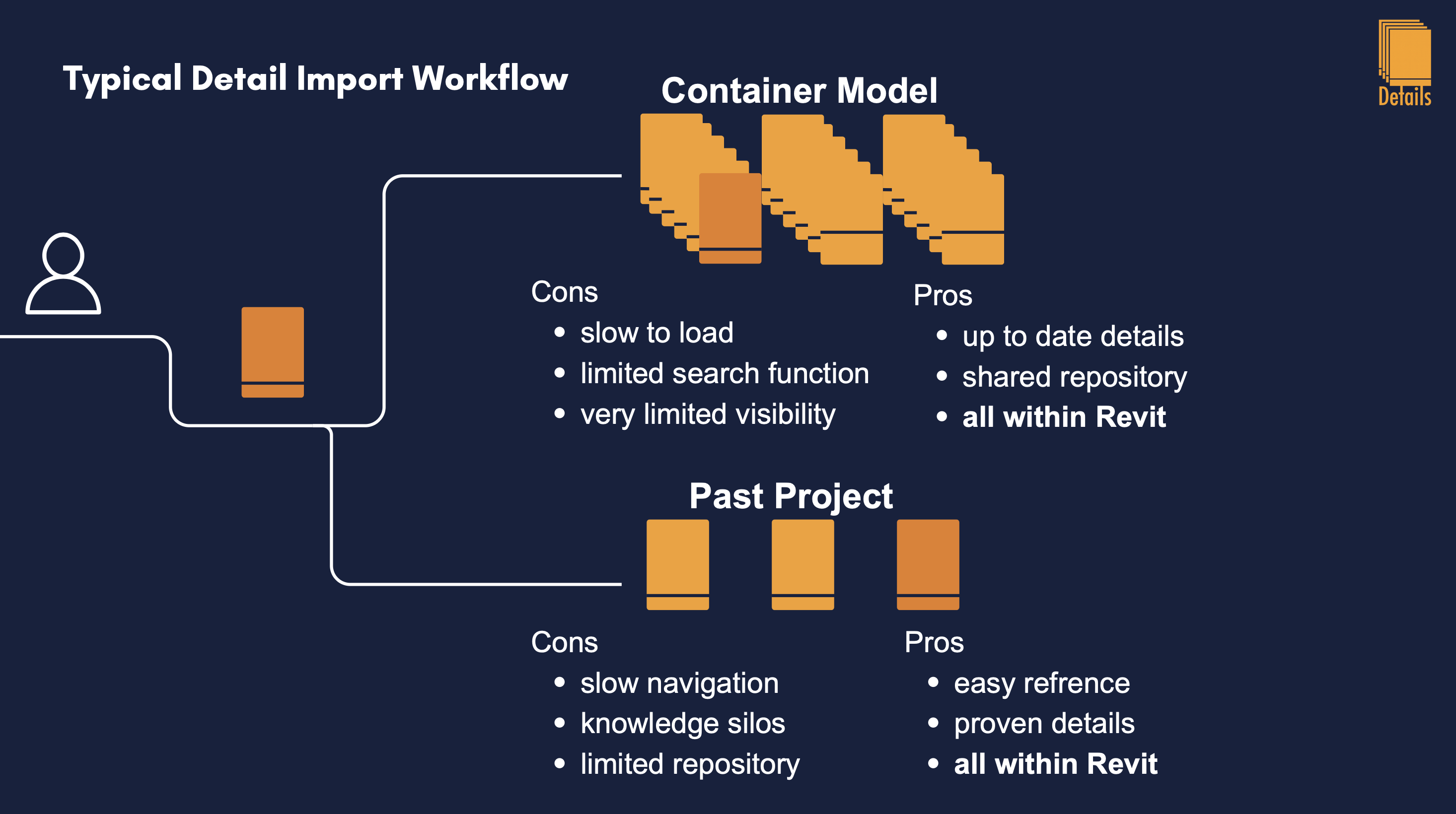
Most firms that have invested in a detail library for a decade or more eventually end up with the same problem: the library is too big to navigate. A senior BIM manager I spoke with recently told me their container model has over 1,000 drafting views. Engineers don't search through 1,000 drafting views. They open three or four they remember, scroll until something looks close, and if nothing matches in the first few minutes they redraw the detail. The library is enormous. The portion of the library that actually gets used is tiny. This is the paradox of large detail…

See whole post →
Why Detail Libraries Belong in Revit

Why Detail Libraries Belong in Revit

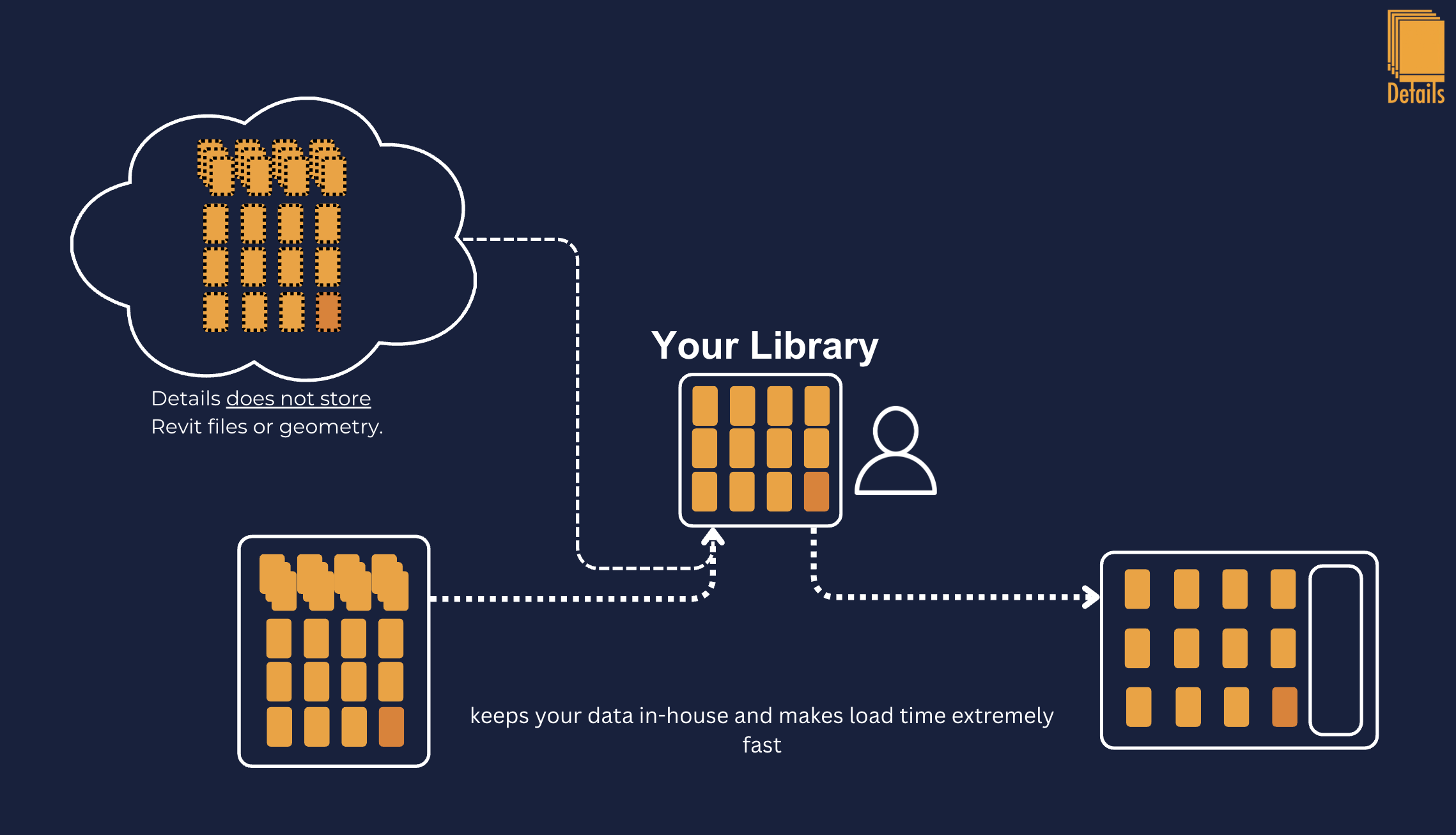
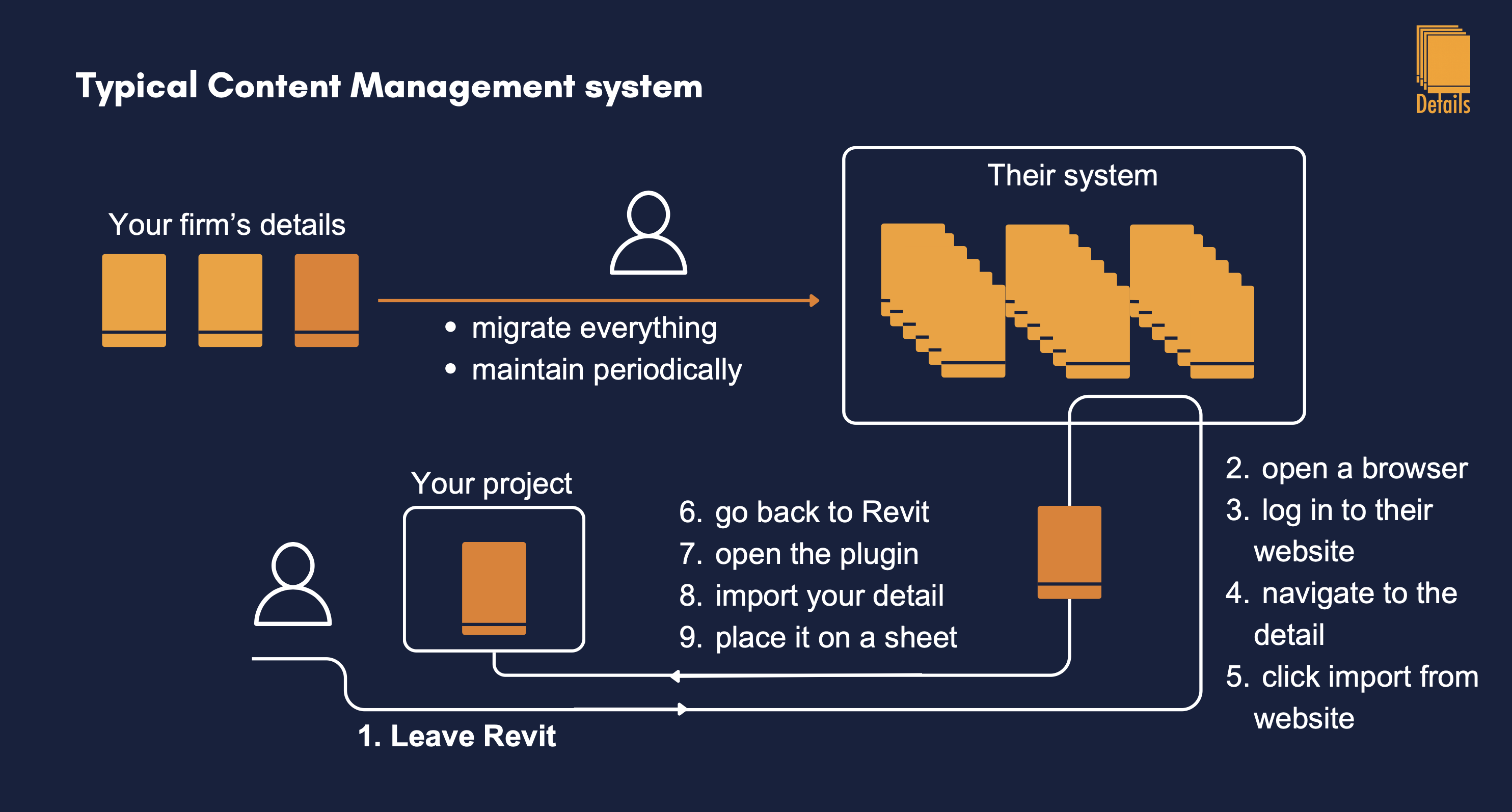
Every detail-management product I evaluated as a mechanical design engineer had the same workflow: export your details from Revit, upload them to their platform, organize them on their interface, then download them when you needed them again. The pitch was always the same, "centralize your firm's content in one place, searchable, organized, secure." On paper it sounded great. In practice, it never worked. The libraries got built, the firms paid for them, and engineers never used them. I want to explain why, because it isn't a marketing problem or an adoption problem. It's a structural problem with how those companies…

See whole post →
How to Build a Revit Detail Container Model

How to Build a Revit Detail Container Model

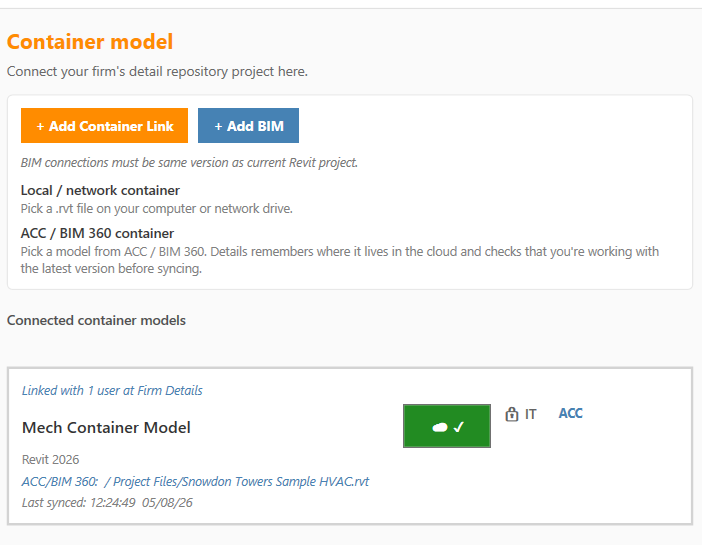
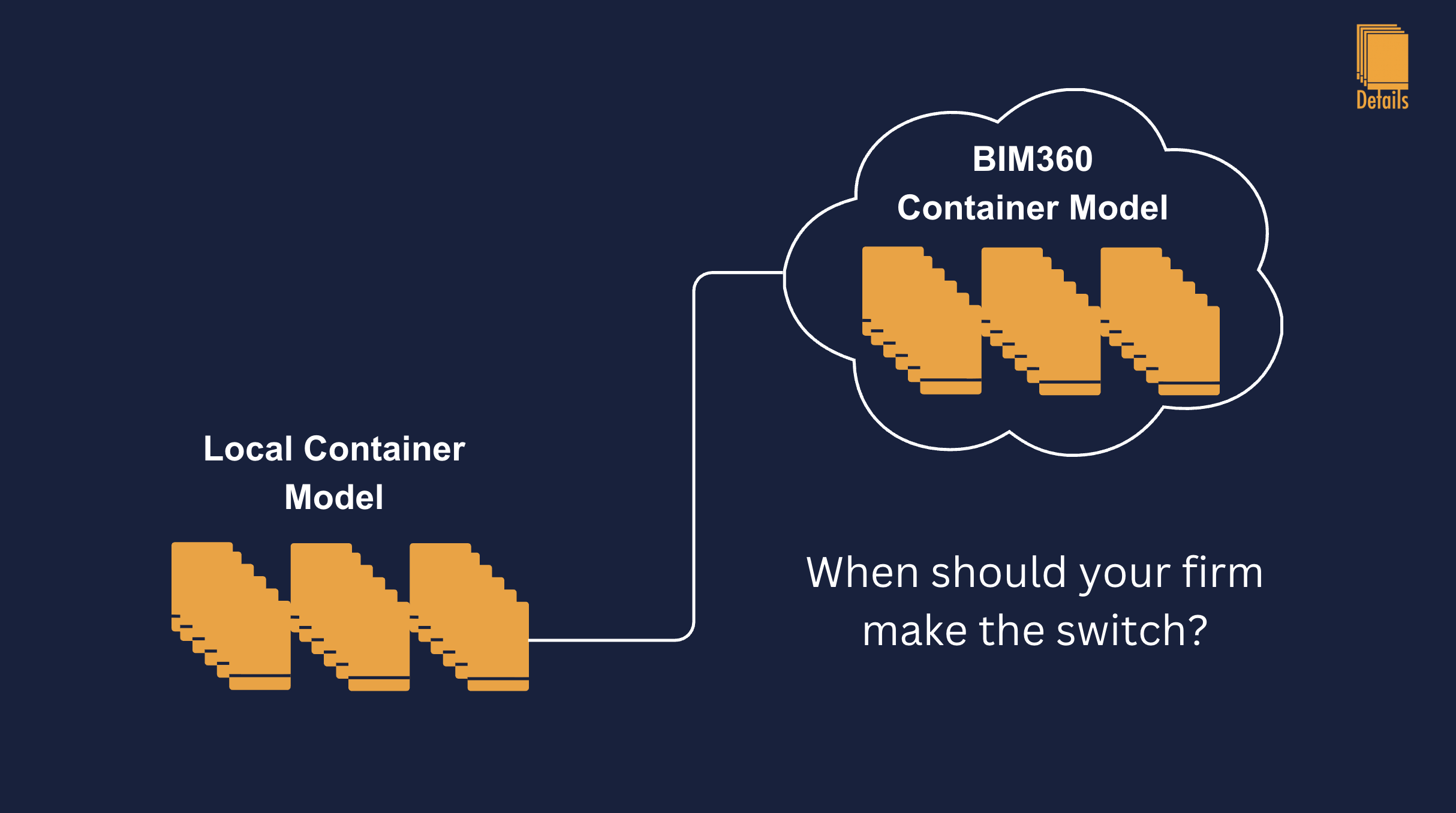
Most engineering firms have a detail library somewhere. Far fewer have one that engineers actually use. The difference between the two almost always comes down to a single decision: whether the library lives inside Revit or somewhere outside it. If your details are PDFs on a network drive, a SharePoint library, or a folder of standalone DWG files, your engineers are not going to use them, they will redraw the detail every time. The only detail library that actually saves time is one that lives inside a Revit container model. A container model is just a single Revit file that…

See whole post →
The Hidden Hours MEP Firms Lose to Details

The Hidden Hours MEP Firms Lose to Details

Ask an MEP engineer how long it took them to draft their last detail and they'll tell you 30 minutes. Ask how long it took them to find the previous version of that same detail somewhere in the firm's archive and the answer is much fuzzier, somewhere between "a few minutes" and "I gave up and just redrew it." That fuzzy answer is where most firms quietly lose six figures a year. The hidden cost of detail work isn't in the drafting. It's in everything that happens before a single line gets drawn. Opening last year's project to copy-paste a…

See whole post →
Why MEP Firms Don't Have a Detail Library

Why MEP Firms Don't Have a Detail Library

Walk into almost any MEP engineering firm in the country and ask the same question: "Where does your firm's detail library live?" You'll usually get one of three answers: a network drive, a SharePoint folder, or a senior engineer's personal Revit file from 2018. None of these are a content management system. They're filing cabinets. And the reason a real CMS has never taken hold in this industry isn't lack of need, it's lack of integration. Engineers don't have a content problem. They have a content access problem. Every firm has hundreds, sometimes thousands, of well-drawn details sitting somewhere on…

See whole post →