The Best Revit Detail Search Plugin for Managing Firm Standards
A Revit detail search plugin can help architecture and engineering firms find, preview, and reuse drafting views without opening multiple container models or searching through old project files. Traditional detail libraries often become difficult to maintain as firms grow, especially when standards are stored across Windows folders, cloud platforms, and past Revit projects. A dedicated Revit detail manager creates one searchable location for approved details and gives users a faster way to find drafting views in Revit while they are actively working on a project.
The best Revit detail library plugin should do more than store files. It should allow users to search by detail name, category, discipline, project type, or natural-language description. A strong Revit drafting view search workflow also provides visual previews so users can confirm they have found the correct detail before importing it. This makes it possible to search Revit details across projects without manually opening and upgrading older Revit models, reducing duplicated work and helping firms reuse content that has already been reviewed.
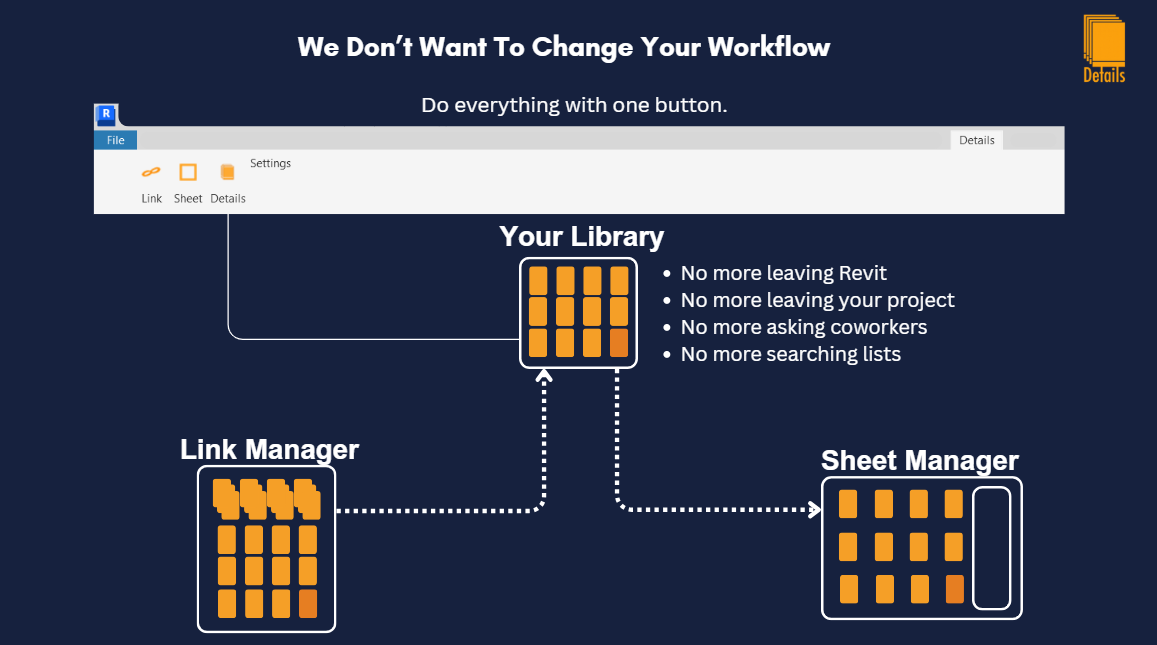
Details is an Autodesk Revit search plugin designed specifically for managing native drafting views and firm detail libraries. The software allows engineers and designers to search, preview, organize, share, and insert details directly inside Revit. Unlike broader content-management platforms, Details focuses on the everyday detail workflow, making it lightweight Revit detail management software for MEP, structural, and architectural firms. Users can search standard libraries, access details from previous projects, create organized folders, and use AI-assisted search to locate relevant content more quickly.
For firms comparing a container model, Autodesk Content Catalog, AVAIL, Pirros, or another Revit detail library manager, the best choice depends on the size and complexity of the content library. Firms that need broad BIM content management may prefer an enterprise platform, while teams focused primarily on drafting views may benefit from a more specialized solution. Details is built for firms that want a simple Revit detail search plugin that fits directly into the existing Revit workflow and makes it easier to find, manage, and reuse firm knowledge.