No migration required
Keep existing files, models, and organization in place.
About Details
Details was created to solve a problem we faced on every MEP project: proven details already exist, but finding them breaks the design workflow.
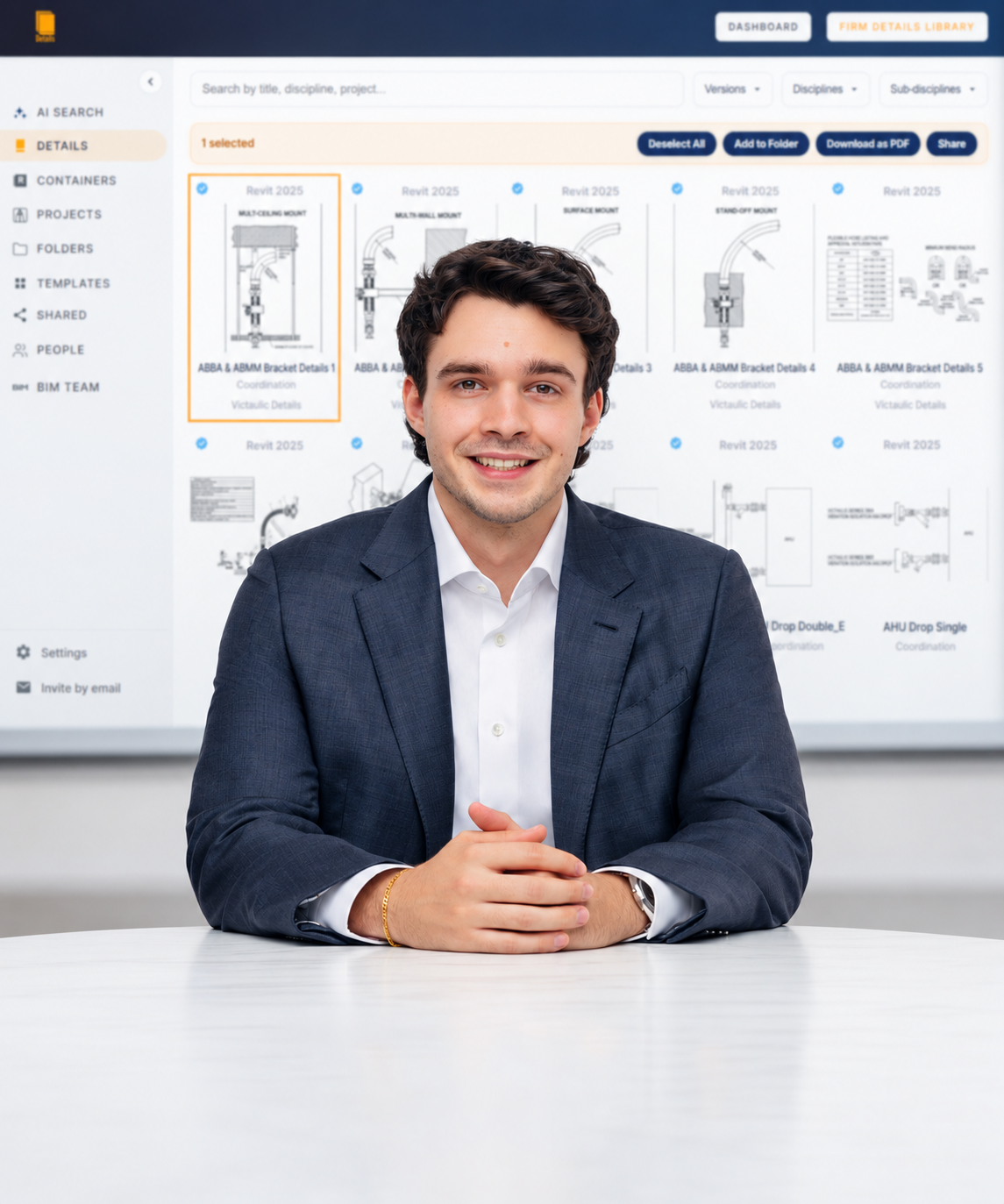
See it in action
The problem
Engineers dig through old projects, ask coworkers, or redraw work that already exists. Details brings firm knowledge into the active Revit workflow instead of forcing teams into an external content system.
Our approach
Keep existing files, models, and organization in place.
Libraries grow through the work engineers already do.
Live links surface the latest container-model details.
Admins see what teams sync and use most often.
Firm-wide tools
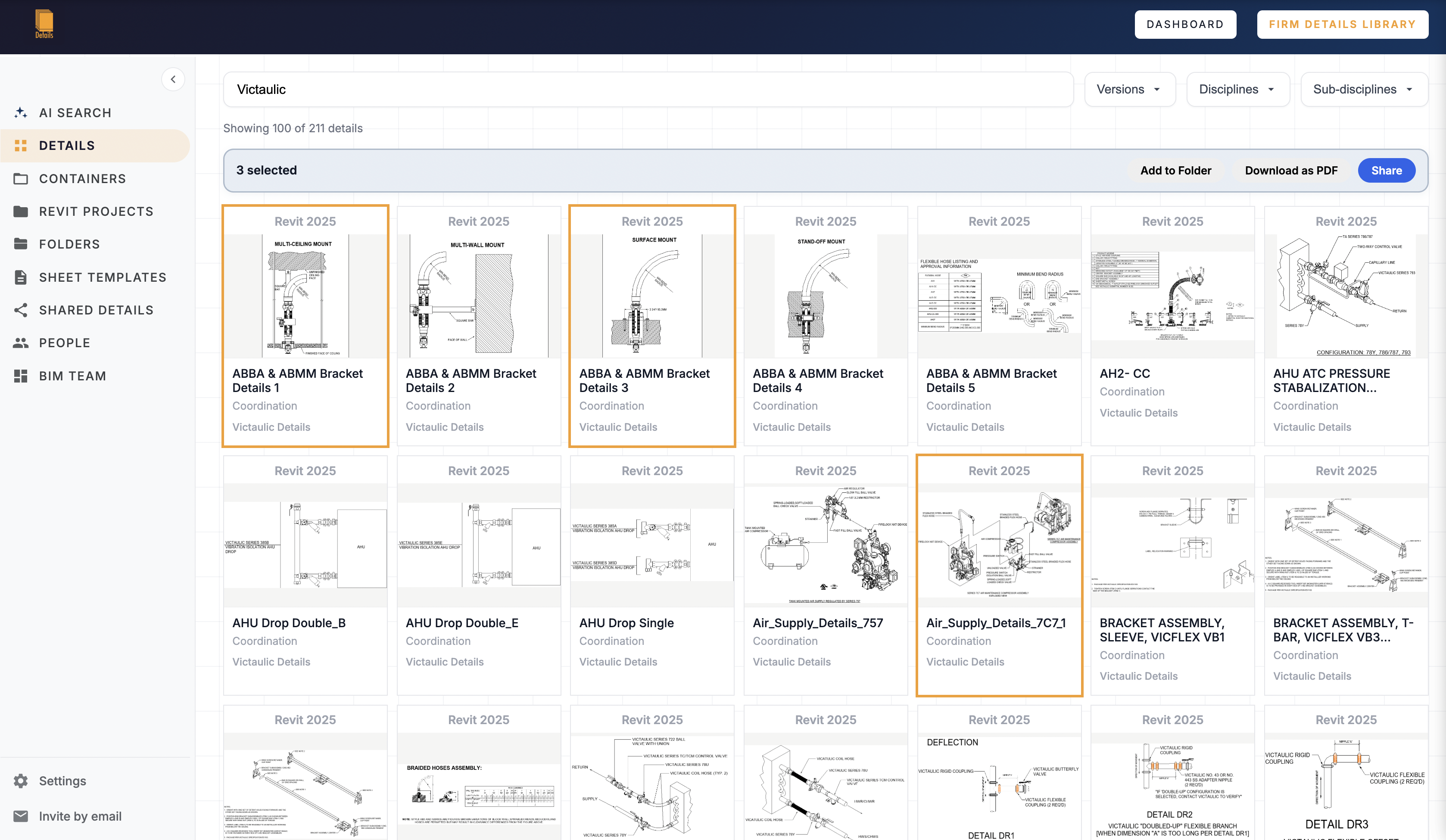
Search and filter synced details by title, discipline, project, version, and sub-discipline.
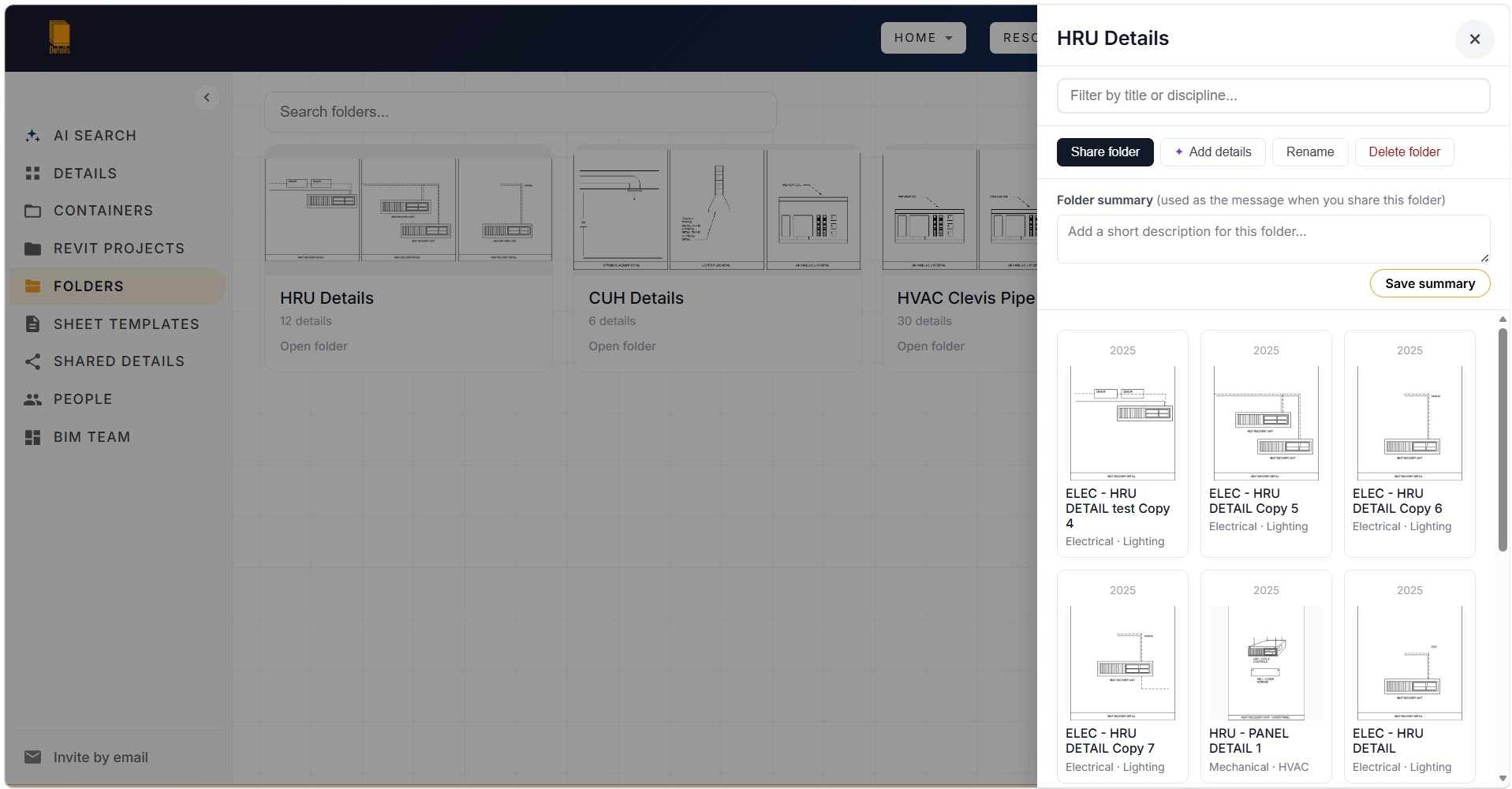
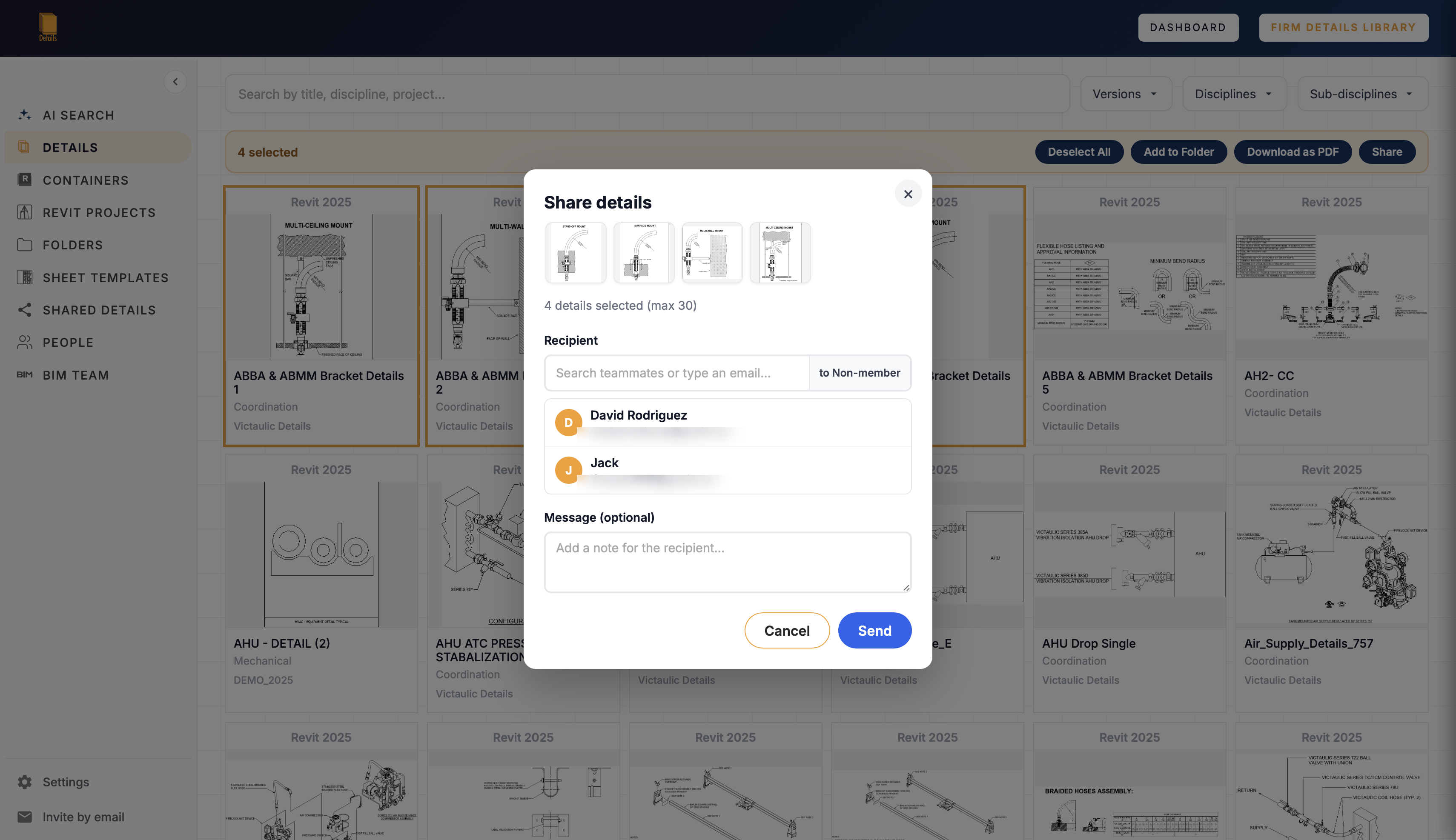
Collect and share the details most relevant to a project without changing the shared library.
Publish sheet templates with shared naming, numbering, detail spacing, and layout standards.
Cloud Usage and Security
Details is built for engineering firms that need fast access to their detail libraries without compromising security or privacy. Cloud syncs pull only what is needed to make details searchable: detail thumbnails for fast display; basic project metadata such as file path and file name for retrieval; and Revit metadata such as discipline, sub-discipline, associated equipment names, and keynote annotations for grouping. Usernames are stripped from project file paths when they are added to the Firm Library. Details does not save Revit models or full project files in the cloud.
Details uses Google Firebase Realtime Database, Cloud Storage, and Authentication to host firm cloud data. Data is encrypted at rest and in transit.
Each firm's project data is stored in a separate cloud partition. Isolation is enforced through Firebase Authentication custom claims. Every database request and file transfer is validated against the user's firm ID and role by server-side security rules.
Knowing another firm's identifiers or storage paths does not grant access; cross-firm requests are rejected by the server.
Within a firm, each user's synced projects are stored under that user's unique identifier. One user's library does not mix with another user's library.
Cloud operations are validated against the firm's active license. The license must belong to the correct firm and remain enabled. Deactivating a license immediately revokes cloud access.
Each license key can be active on one computer at a time. A hardware-based machine fingerprint is registered during activation, and attempts to use that key on another machine are denied.
Database security rules limit users to data under their own firm ID and permitted user paths. Requests for another firm's data are blocked at the infrastructure level.
When Details connects to a Revit project for syncing, it opens the file in a read-only, detached mode. The original project file is not modified, and workshared models are not affected.
Removing a project link locally does not automatically erase its cloud record, which helps prevent accidental data loss. Firm administrators can permanently delete any synced project from the Firm Library.
The activation fingerprint is generated with SHA-256 hashing. Hardware identifiers are not stored or transmitted; only the one-way hash is used.
License validation, metadata synchronization, and thumbnail transfers use HTTPS encryption to protect data in transit.
Data is hosted on Google's Firebase platform in the US-Central region. Firebase provides infrastructure security, encryption at rest, backups, and service availability protections. Learn more in Firebase's privacy and security documentation.
Details does not sell or rent firm data, provide it to advertisers, or expose it to other firms. Firm content is not used to train foundation AI models.
Cloud data exists to operate Details for your firm. Syncs contain thumbnails, paths, and metadata needed for search and grouping—not full Revit models, proprietary geometry, or complete project files.
Firm administrators can permanently delete individual synced projects or wipe the entire Firm Library. Once deleted, that synced cloud data cannot be recovered by Details.
Project data is not synced automatically. A user must explicitly start a sync, giving the firm control over which projects are stored in the cloud and which remain entirely local.
Work from what you already have