BIM leader publishes a link
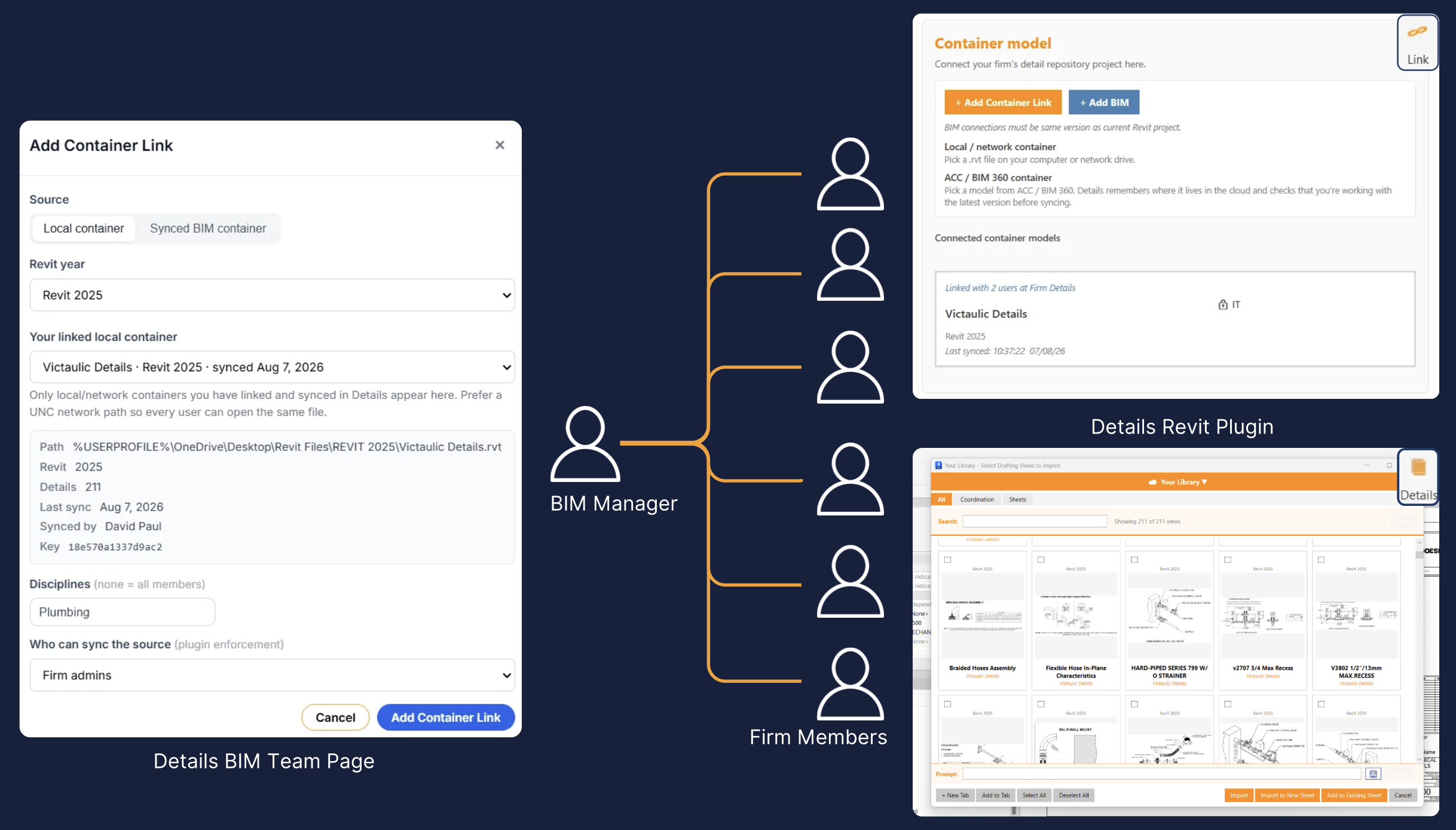
Create a universal container link once from Firm Library → BIM Team → Deployment for a local/network or ACC container.
BIM Team
Allow your firm to access all of their details with the click of a button in Revit.

BIM teams using Details






Universal container links
How it works
Create a universal container link once from Firm Library → BIM Team → Deployment for a local/network or ACC container.
Assign disciplines so Mechanical, Electrical, Plumbing, and other groups receive only the containers they need.
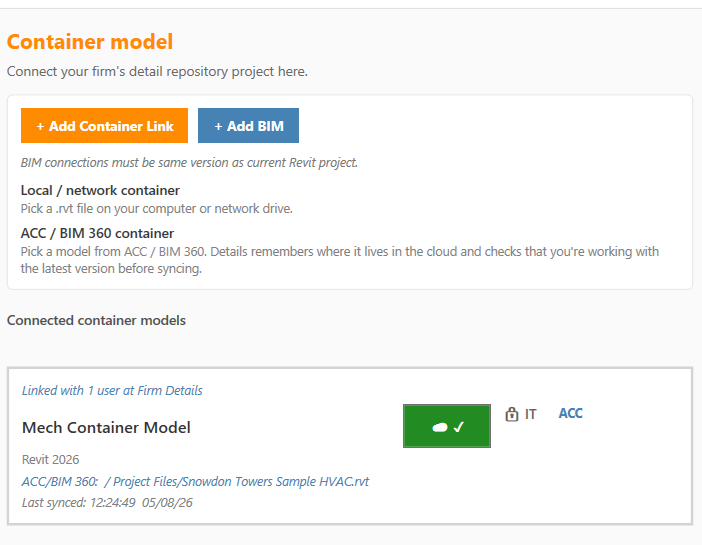
When engineers open Link Manager in Details, matching links seed into their Connected container models—no path chasing.
Replace the source or change targeting later. The firm stays on the same IT-managed connections without one-off setup.
Why BIM teams use it
Stop relying on email threads and tribal knowledge for where the firm container lives. Publish once, keep everyone aligned, and control who can sync the source.
Ready for firm-wide connections