BIM leader publishes a link
Create a universal container link once from Firm Library → BIM Team → Deployment for a local/network or ACC container.
BIM Team
Control which drafters get access to specific details, make sure they are always using up-to-date details.

Universal container links
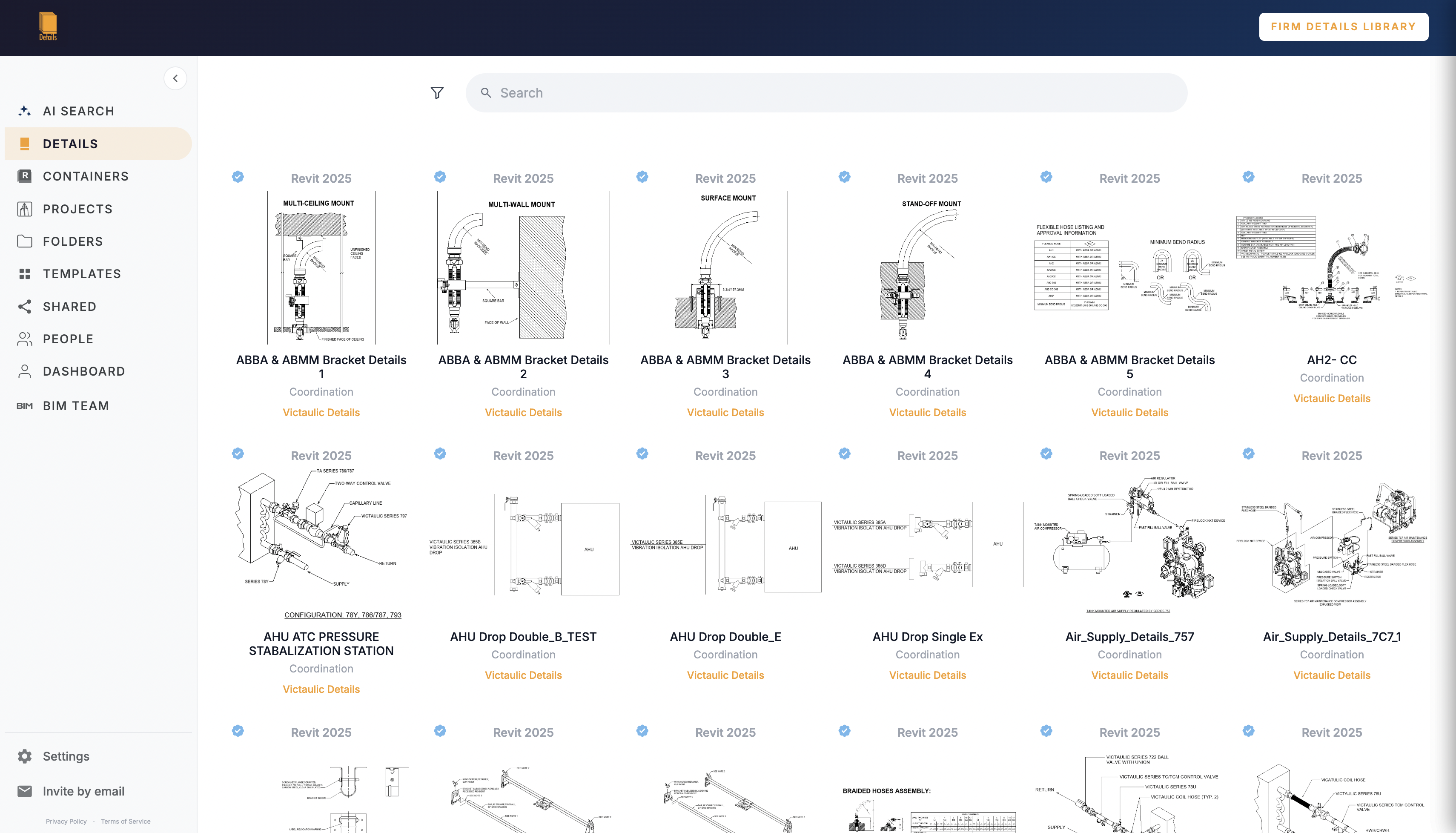
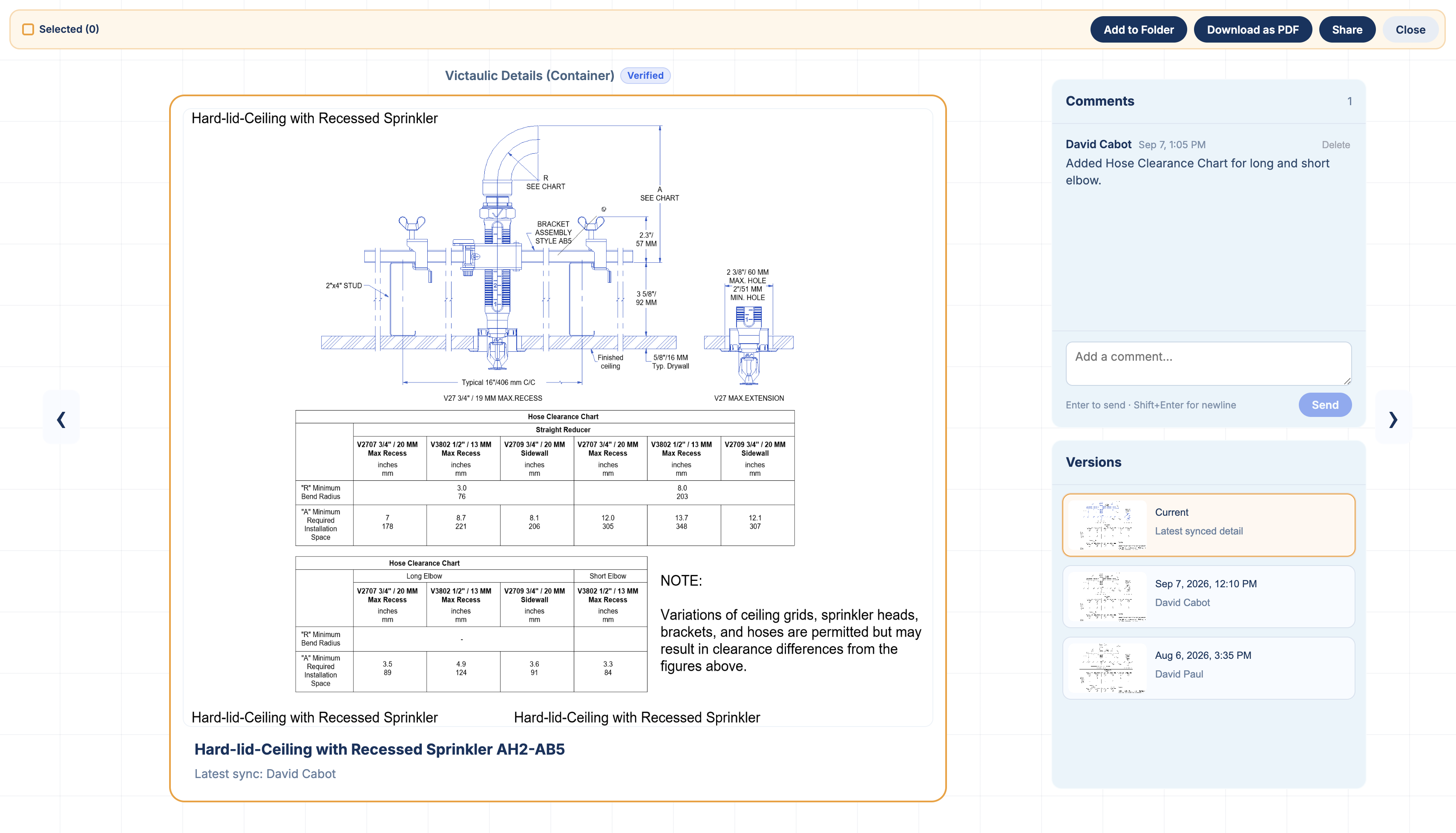
Verified details
Firm library controls
Sync health
How it works
Create a universal container link once from Firm Library → BIM Team → Deployment for a local/network or ACC container.
Assign disciplines so Mechanical, Electrical, Plumbing, and other groups receive only the containers they need.
When drafters open Link Manager in Details, matching links seed into their Connected container models—no path chasing.
Replace the source or change targeting later. The firm stays on the same IT-managed connections without one-off setup.
Why BIM teams use it
Stop relying on email threads and tribal knowledge for where the firm container lives. Publish once, keep everyone aligned, and control who can sync the source.
Ready for firm-wide connections